 SIDHARTHAN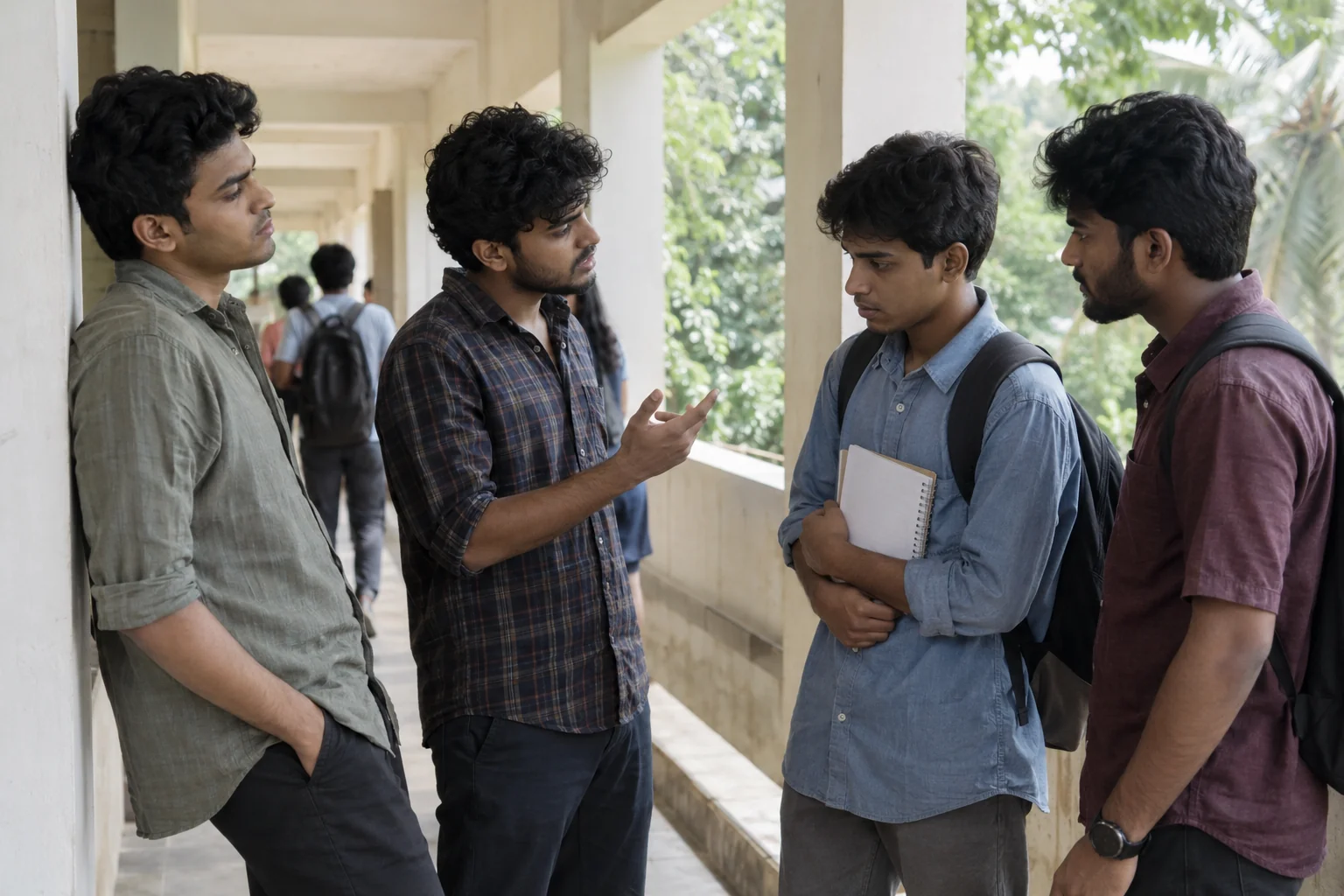
01
Report ragging
You don’t have to suffer in silence. Report bullying, humiliation, threats or pressure, whether it happened to you or someone else. Share your experience by voice or text.
How reporting works Students and parents
Dear Students in Kerala,
We are here to support and protect you and your classmates.
SIDHARTHAN is a wellness app for students who are studying in the Universities and Affiliated Colleges in Kerala. Students and parents use the mobile app.



An initiative of the Higher Education Council, Department of Higher Education, Government of Keralam.
About the initiativeIn the app
Choose the service that fits. Each one has its own people and process.
You don’t have to suffer in silence. Report bullying, humiliation, threats or pressure, whether it happened to you or someone else. Share your experience by voice or text.

If you’re worried, speak up. Help is closer. Report drug supply, pressure to use, or other safety concerns.
You are not alone. Talk to someone who cares. Get help with stress, low mood, relationships, sleep or money worries.
Find your people. Feel part of your campus. Join moderated groups for arts, activities and everyday conversations, without sharing your mobile number.
Your institution needs to enable each service before you can use it. If a service is unavailable, contact your institution administration.

Student wellbeing
Stress, low mood, relationships, money worries. You can ask for counselling for yourself through the app.
Only the counsellor holding your request can read it. Once they take it, they can see who asked and arrange the next step with you.
Read about counsellingGetting started
Your institution registers students and links parents. Ask the office if you need access.
Use your registered mobile number and the six-digit sign-in code.
Report a concern, ask for counselling for yourself, or open Connect.
Use your secret PIN to read recorded updates, messages and decisions.
On your phone
This is where students and parents sign in, send requests and check updates. Use the mobile number registered by your institution.
Your request history is protected by your own secret PIN.
On Android 15 or 16, if Android says “Alarm over other apps” is a restricted setting: open App info for SIDHARTHAN, tap the three dots at the top, choose Allow restricted settings, then go back to the app’s App settings and tap Allow again.
Store downloads are coming soon. Until then, Android phones can use the download above.
Store links are marked “Coming soon” until published.
Students, families and campus teams
Send an SOS to campus authorities, report ragging or drug abuse, ask for counselling, follow up on your requests with a secret PIN and join Community Connect rooms. Your institution registers your account.
Get the appView your children enrolled with the institution, send an SOS or report a concern about your child, and follow up on reported cases. Counselling is requested by students themselves.
What parents can doStaff receive SOS alerts and assigned requests, counsellors arrange counselling, committees record decisions, and university, district and state authorities review unresolved concerns. Your institution decides which staff areas you can use.
Staff sign inHelp and information
You can read the help pages without signing in.
Photographs are illustrative scenes created for this website. The people shown are fictional.